


Everything you need to get your ideas onto the page
TalkType is designed around how neurodivergent people actually think and work. Find out more about the features that matter to you.
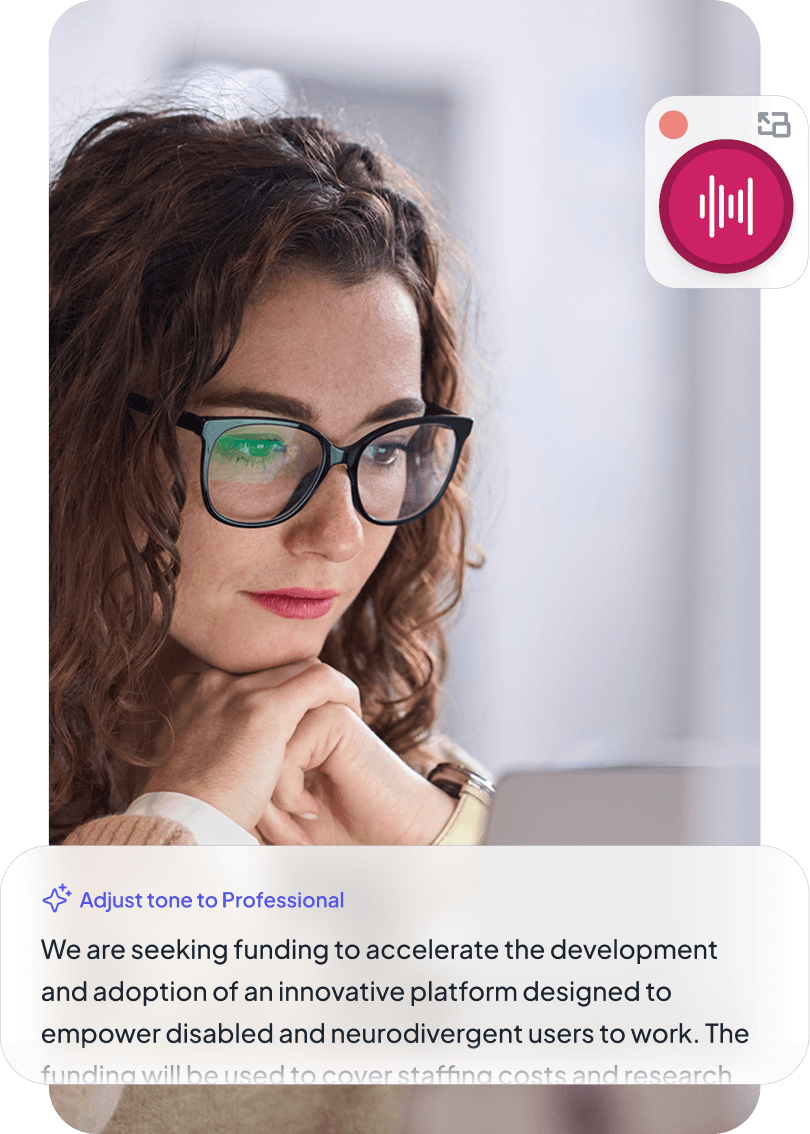
TalkType is built around one core idea: The gap between what you think and what ends up on the page shouldn't exist.
No switching apps. No copying and pasting. Just start talking.
TalkType works inside any app you already use, so there's nothing new to learn and no change to the way you work or study. Speak directly into whatever tool you have open, or use the built-in document editor if you'd rather keep everything in one place.
Works anywhere you do
Open any app with a text field and start speaking. Word, Google Docs, Outlook, Teams, Slack, and more.


Built-in document editor
Keep everything you create in one place with a central library.
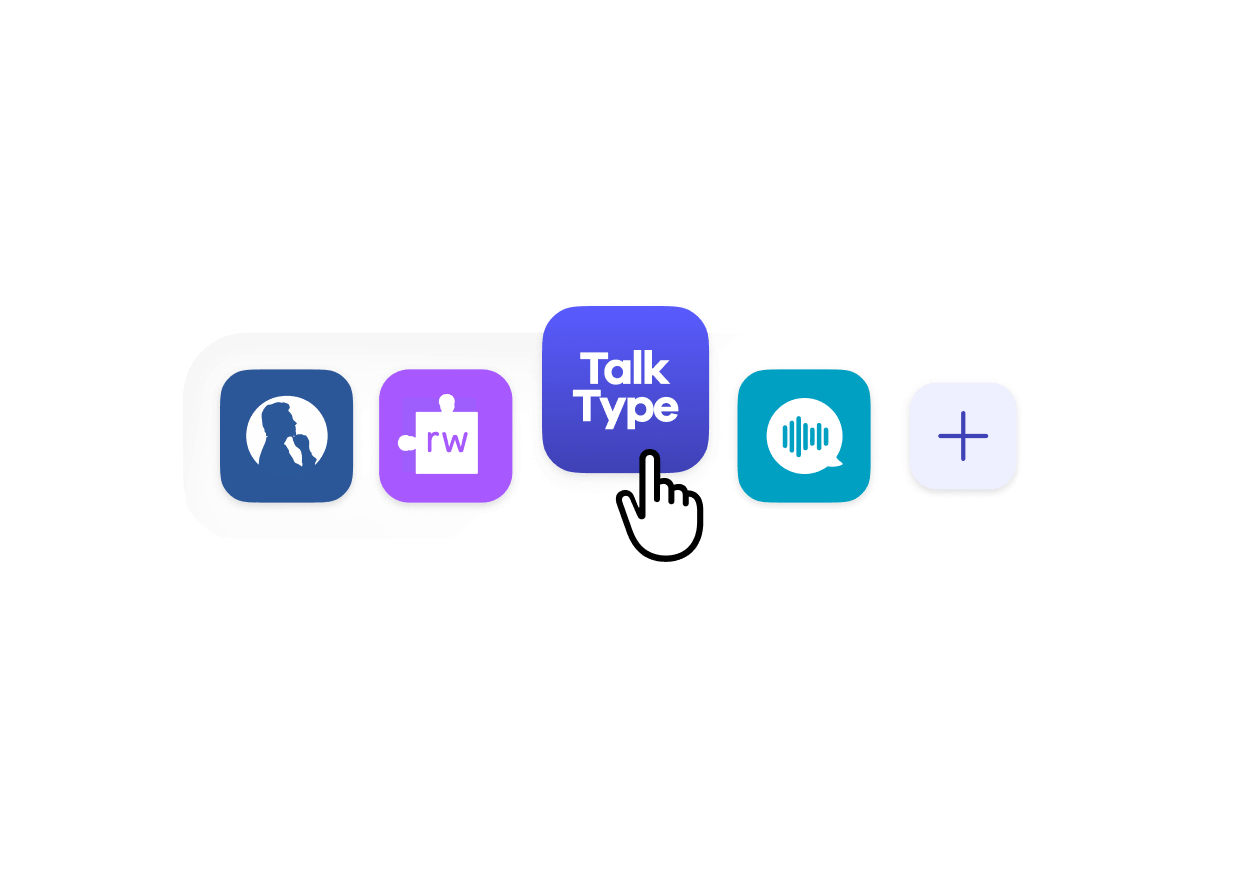
Works with your assistive tech
Integrates with screen readers, note-takers, and other tools you already rely on.
Effortless writing. Anywhere, any device.
TalkType works seamlessly across all platforms.
Whatever device you're on, just open TalkType and start speaking.


Designed for accessibility from the ground up, not as an afterthought.
TalkType was built with neurodivergent users in mind. The interface is clean and distraction-free, display settings adjust to your preferences, and it integrates with the assistive technology you already use.

Clean, distraction-free interface
Nothing on screen that doesn’t need to be there.
Light and dark mode
Switch between themes to suit your environment and preferences.
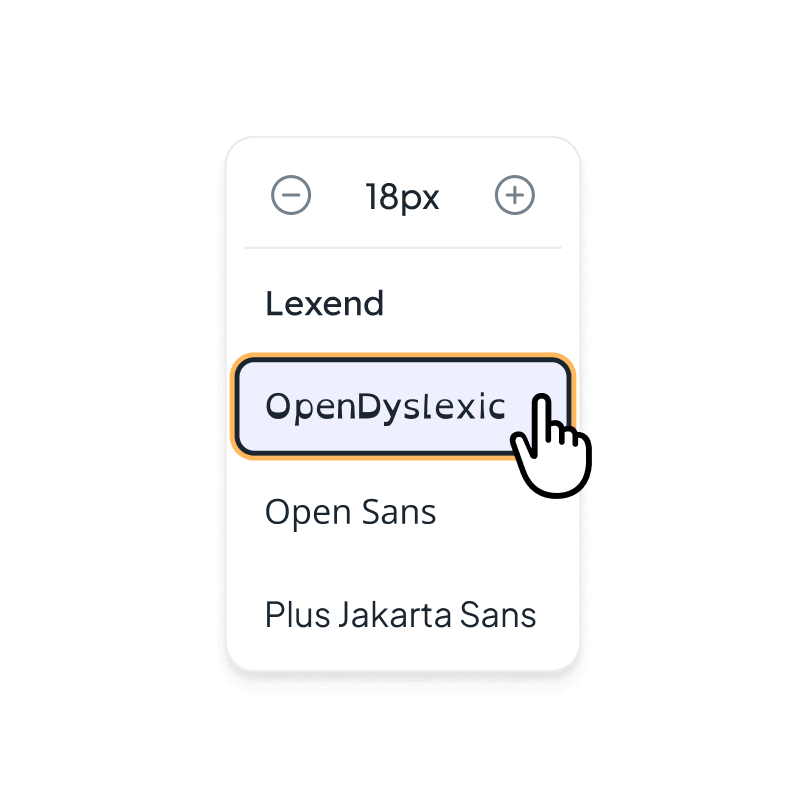
Adjustable fonts
Choose from standard or OpenDyslexic typefaces, and scale text to whatever size feels comfortable to read.
What appears on the page is right first time.
TalkType's industry-leading speech recognition captures your words accurately in real time, handling natural speech patterns and regional accents, so you never have to stop and correct errors as you get your thoughts down.
Automatic punctuation
You don't have to dictate every comma and full stop.

Background noise reduction
Keep your dictation clean even in imperfect environments.
Accent and speech recognition
TalkType works with your voice, not against it.
Voice commands
Edit, format, and navigate your dictation without touching your keyboard.
From unformed ideas to polished writing.
Getting ideas onto the page is the hard part. Once they're there, TalkType's AI writing tools help you shape and communicate them clearly. Adjust your tone, tighten the structure, or reshape the content entirely, without breaking your flow or starting from scratch.
Proofread
Ask TalkType to review your dictation and catch any errors before you share it.
Restructure
Turn dictated text into a summary, a formatted email, or a clean list, whatever the moment calls for.
Adjust your tone
Shift between professional and friendly depending on who you're writing for, without rewriting from scratch.
Custom prompt
Write your own instruction and let TalkType handle it. Useful for recurring tasks or writing in a specific style.
Built around your vocabulary, not everyone else's.
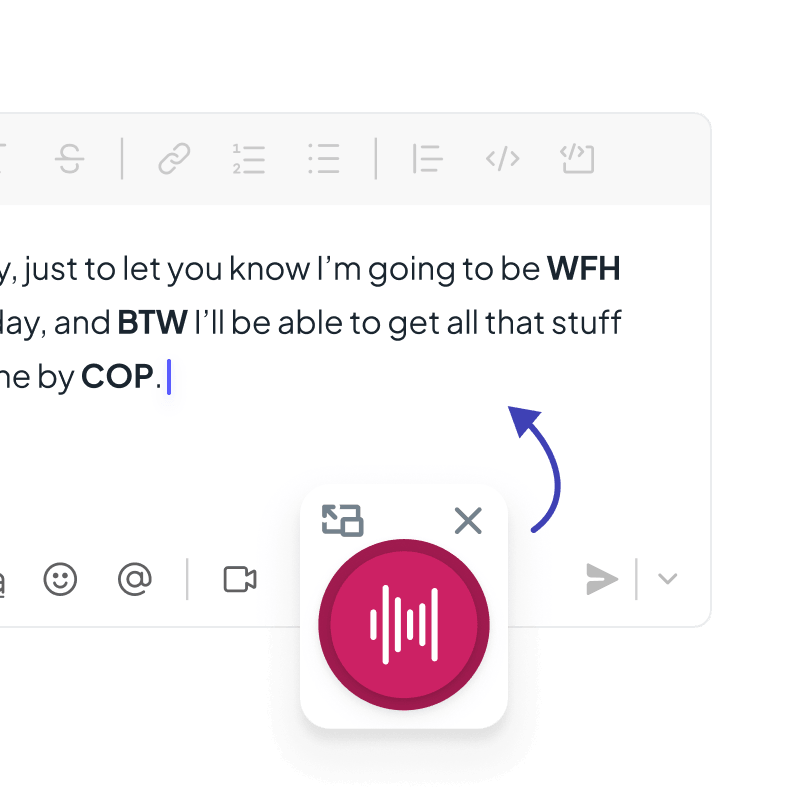
TalkType lets you build a custom vocabulary of the words, phrases, and acronyms that matter in your work or studies, so they're always transcribed correctly.
Add specialist terms
Teach TalkType the technical language, jargon, or subject-specific words you use most.
Add acronyms
Make sure abbreviations are captured exactly as you use them, every time.
Add custom phrases
Save longer expressions or frequently used phrases so you never have to repeat yourself.
No voice training. No configuration. Open the app and start speaking.
Most dictation software comes with a steep learning curve. Not TalkType. Just install the app or open in your browser, sign in, and start dictating wherever you normally work.
.png)
Ready to use instantly
No voice training or profile setup. Install the app or open it in your browser and start dictating.
No download needed
Use TalkType directly in your browser if you'd prefer not to install anything.
Works with your voice
Handles a wide range of accents accurately, straight out of the box.
Built to meet the security and privacy standards that universities and employers expect.
Your data is yours. It stays private, and it is never used to train AI models. TalkType is GDPR compliant, ISO 27001 certified, and stores all data on UK-based servers, so you can use it with confidence in any academic or professional setting.
.png)
FAQ
TalkType is available on Windows, Mac, and iOS, and also works in any modern web browser without needing to install software.
Yes. TalkType works alongside any desktop app or browser tool with a text field e.g. Word, Outlook, Google Docs, Gmail, Teams, Slack, Notion, web forms, and more. No configuration needed per app.
No. TalkType requires no voice training or profile setup. It works accurately from the moment you open it and handles a wide range of accents straight away.
Funding may be available to cover the cost through educational and workplace schemes. Find out more about funding.
Yes. TalkType is used by many people with neurodivergent conditions. Speaking rather than typing removes the friction of getting ideas down, and the interface includes accessibility settings, including OpenDyslexic font, light and dark mode and adjustable font sizes.
Open the custom dictionary in the app, add your words, and they're saved to your profile and recognised automatically in every session.
Very. TalkType is GDPR compliant, ISO 27001 certified, and stores data on UK-based servers. Your data is never used to train AI models.
.png)